
Development
TypeScript Strict Mode Is Worth the Pain — Here's How to Migrate
Enabling strict mode on an existing TypeScript codebase feels brutal at first. But the bugs it catches are real, and the migration is more manageable than it looks.
Most Docker images are bloated because they ship the build toolchain alongside the app. Multi-stage builds fix that with one simple pattern.
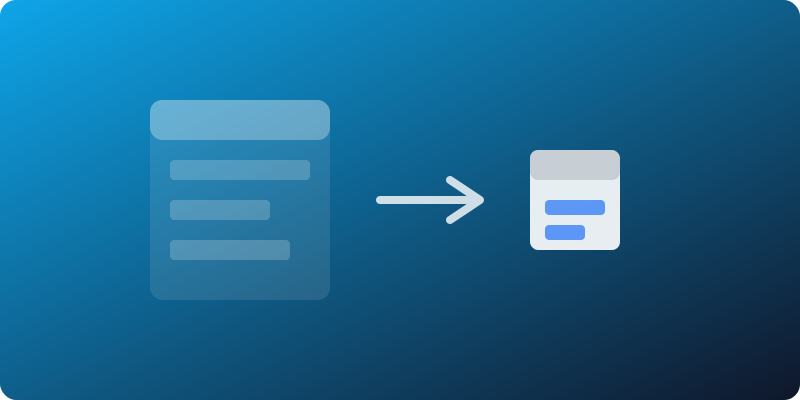
My Node.js container was 1.2GB. The app itself was maybe 40MB of JavaScript. The rest? Build dependencies, dev packages, and an entire OS I didn’t need at runtime.
Multi-stage builds fixed that in ten minutes flat.
A single-stage Dockerfile installs everything into one layer. Your final image carries gcc, make, python3 (for node-gyp), every devDependency, and whatever else the build required — none of which is needed to run the app.
# The bloated approach
FROM node:20
WORKDIR /app
COPY package*.json ./
RUN npm install
COPY . .
RUN npm run build
CMD ["node", "dist/index.js"]
That produced a 1.2GB image. The actual runtime footprint was a fraction of that.
Use one stage to build, another to run. Only copy the artifacts you actually need into the final image.
# Build stage
FROM node:20-alpine AS builder
WORKDIR /app
COPY package*.json ./
RUN npm ci
COPY . .
RUN npm run build
RUN npm ci --omit=dev

# Runtime stage
FROM node:20-alpine
WORKDIR /app
COPY --from=builder /app/dist ./dist
COPY --from=builder /app/node_modules ./node_modules
COPY package*.json ./
CMD ["node", "dist/index.js"]
That brought the image down to 140MB. Notice the npm ci --omit=dev — it strips devDependencies before we copy node_modules into the runtime stage. Switching to a distroless base for the runtime stage got it under 90MB.
Multi-stage builds really shine when your build toolchain is heavy. Go projects can produce a final image that’s literally just the binary on scratch — under 10MB:
FROM golang:1.22-alpine AS builder
WORKDIR /app
COPY . .
RUN CGO_ENABLED=0 go build -o server .

FROM scratch
COPY --from=builder /app/server /server
ENTRYPOINT ["/server"]
Rust, C++, and any compiled language benefits the same way. The pattern also shrinks your attack surface — no shell, no package manager, no build tools in production. That matters for anything facing the internet.
exec into the container for debugging. Keep a debug variant of your Dockerfile, or use ephemeral debug containers in Kubernetes.node_modules from the build stage can still include native binaries compiled for the wrong platform if your build and runtime base images differ. Keep the base OS consistent across stages.COPY . . before npm ci. Always copy package*.json first and install dependencies in a separate layer so Docker can cache it.If your Docker images are large, you’re almost certainly shipping build dependencies to production. Multi-stage builds are the simplest fix — they’ve been available since Docker 17.05 and there’s no reason not to use them. Start with the pattern above, then benchmark whether distroless or scratch gets you where you need to be.
Enabling strict mode on an existing TypeScript codebase feels brutal at first. But the bugs it catches are real, and the migration is more manageable than it looks.
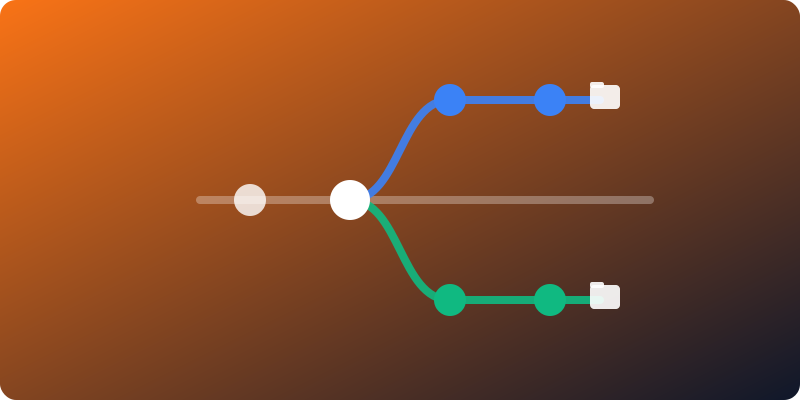
Stashing, switching branches, rebuilding — the constant friction of context switching in Git has a cleaner solution most developers never try.

Most CI pipelines start fast and slowly become 20-minute bottlenecks. Here's a setup that stays fast as the project grows.