DevOps
Docker Multi-Stage Builds: How I Cut My Image Size by 90%
Most Docker images are bloated because they ship the build toolchain alongside the app. Multi-stage builds fix that with one simple pattern.
Not another 'awesome list.' These are the tools I installed, kept, and now use every day — each one replaced something slower.
Every week there’s a new “must-have terminal tools” post listing 30 things you’ll forget by tomorrow. This isn’t that.
These are five tools I installed over the past year, kept using after the novelty wore off, and now reach for without thinking. Each one replaced something slower — and each one took under five minutes to set up.
ripgrep is faster than grep in every scenario I’ve tested, often by an order of magnitude on large codebases. It respects .gitignore by default, skips binary files, and produces readable output without piping through three other commands.
# Search for a function name across the project
rg "parseConfig" --type ts

# Search with context lines
rg "TODO" -C 2

# Count matches per file
rg "console\.log" --count
I aliased grep to rg months ago. The only time I reach for actual grep is when I need POSIX compatibility in a shell script.
fd is to find what ripgrep is to grep: sane defaults, readable syntax, and serious speed. It also respects .gitignore by default.
# Find all TypeScript files modified in the last week
fd -e ts --changed-within 1w

# Find and delete all node_modules directories
fd -t d node_modules -x rm -rf {}

# Find files and open them in your editor
fd -e rs | xargs code
The syntax alone is worth the switch. No more -name '*.ts' -type f gymnastics that you have to look up every time.
zoxide tracks the directories you visit and lets you jump to them by partial name. After a few hours of use, it builds a frequency-ranked database of your project paths.
# Instead of: cd ~/Documents/dev/projects/cms-cli-templates/prod-cms
z prod-cms

# It learns your habits and ranks by frequency + recency
z woolwand
It sounds trivial, but navigating a deep project structure dozens of times a day adds up to real time. zoxide turns a 5-second directory change into a 1-second one — multiplied across hundreds of navigations per day.
bat is cat with syntax highlighting, line numbers, and Git diff markers in the gutter. It won’t revolutionize your workflow, but reading code in the terminal stops being painful.
# View a file with syntax highlighting
bat src/config.ts

# Use as a pager for other tools
rg "TODO" --type ts | bat

# Show only a range of lines
bat src/config.ts -r 20:40
Set BAT_THEME in your shell profile to match your editor theme and you get a surprisingly consistent reading experience across tools.
I still use Git on the command line for straightforward operations. But for interactive rebases, staging individual hunks, and visualizing branch history, lazygit is genuinely better than the raw CLI.
It’s a terminal UI that shows staged/unstaged changes side by side, lets you stage individual lines with a keypress, and handles rebasing with far less friction than git rebase -i. The keybindings are fast once you internalize them — give it a week.
The key insight: lazygit doesn’t replace Git knowledge. It makes the Git operations you already understand faster to execute. If you don’t know what an interactive rebase does, the TUI won’t help. If you do, it removes the ceremony.
Every tool here does the same thing: takes a task I was already doing and removes friction from it. No new concepts, no paradigm shifts. Just less typing, less waiting, and better defaults.
If you try one, start with ripgrep. It has the highest impact-to-effort ratio of anything on this list — you’ll feel the difference on your first search.
Most Docker images are bloated because they ship the build toolchain alongside the app. Multi-stage builds fix that with one simple pattern.
Enabling strict mode on an existing TypeScript codebase feels brutal at first. But the bugs it catches are real, and the migration is more manageable than it looks.
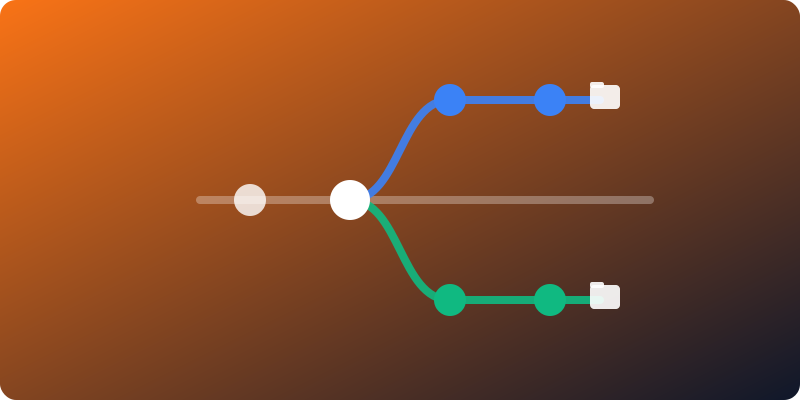
Stashing, switching branches, rebuilding — the constant friction of context switching in Git has a cleaner solution most developers never try.